
Carousel works with any device management approach – MDM, RDM, or UEM – to keep your mixed signage fleet secure, consistent, and easy to deploy.
Talk to our teamDigital signage today is powered by a wide mix of hardware: media players, tablets, purpose-built displays, commercial TVs, and sometimes even phones or kiosks. Whether you’re running three screens across a few buildings or thousands across a global organization, every device needs the same essentials to operate smoothly: secure provisioning, remote monitoring, reliable updates, and consistent configuration.
This is where digital signage device management comes in. It’s the practice of centrally controlling all the hardware in your signage network – no matter the operating system, vendor, or physical location. The goal is simple: keep every device online, updated, and playing the right content with minimal hands-on effort. Each approach supports different needs, but all share a common purpose: simplifying, securing, and scaling your digital signage environment.
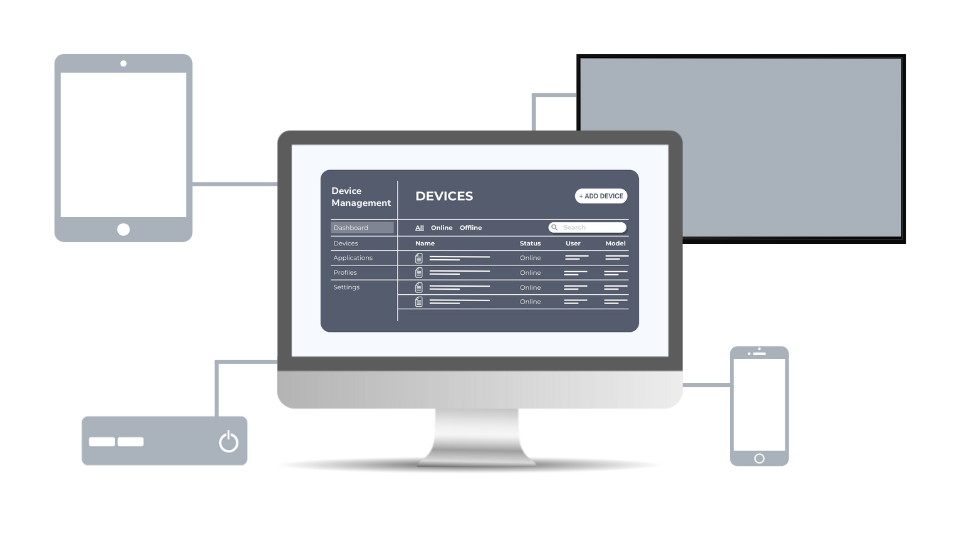
Originally built for phones/tablets but now widely used for digital signage endpoints.
Focused on non-mobile hardware like dedicated media players and smart displays.
Providing centralized control across multiple operating systems and hardware types.

Organizations often rely on a wide mix of devices for digital signage – iPads in classrooms, Apple TVs in lobbies, Android players in offices, or BrightSign devices across campuses. Managing these at scale can quickly become complex, with IT teams spending extra time on manual updates and keeping an eye on security risks from unmanaged endpoints.
Let's look at 4 ways MDM helps you manage multiple devices.

MDM provides centralized control for configuring and securing devices, while Carousel ensures they consistently deliver engaging, up-to-date signage. The result is a streamlined deployment where every screen stays compliant, reliable, and ready to communicate.

Digital signage screens are often public-facing, which makes them targets for tampering or unauthorized access. MDM helps lock down devices, enforce security policies, and ensure they stay compliant with IT standards, keeping both content and data safe.

Say goodbye to manual updates or on-site troubleshooting. MDM lets you roll out software patches, firmware updates, or app installs to every device at once. That means less downtime, fewer service calls, and lower maintenance costs.
In a dynamic digital landscape, flexibility is paramount. Carousel has developed an innovative approach to Mobile Device Management (MDM) integrations, tailored to meet the diverse needs of organizations, ensuring that management remains streamlined and efficient regardless of the devices in use.
Managing a mixed fleet of signage devices is much easier when onboarding is predictable, secure, and consistent. That’s where Carousel comes in. No matter which management style you use – MDM, RDM, UEM, or a combination – Carousel provides a simple, reliable way to initialize your endpoints and get them ready for content delivery.
Carousel makes provisioning straightforward by generating unique provisioning URLs and tokens that securely link each device to your Carousel Cloud account. Instead of configuring every player manually, your devices automatically pull their settings during first launch or enrollment, significantly reducing deployment time and eliminating configuration errors.
Carousel also provides clear, device-specific setup instructions, making it easy for teams to bring Apple TVs, BrightSign players, Android displays, tablets, and other hardware online. These instructions integrate naturally into your existing device management workflows, allowing you to push the Carousel player app, apply your provisioning details, and lock devices into signage mode with minimal effort.
Carousel complements any management platform by handling the content side of the equation while your MDM, RDM, or UEM handles the operating system and hardware controls. This separation ensures your endpoints stay secure and compliant while Carousel keeps your content accurate, fresh, and up to date without requiring hands-on interaction with the devices
Once provisioned, devices are ready for content in minutes, with all updates and channel changes delivered automatically through Carousel Cloud. Whether you're operating a handful of screens or thousands across multiple locations, Carousel ensures that every device begins with a standardized setup and stays reliably connected to your signage network.
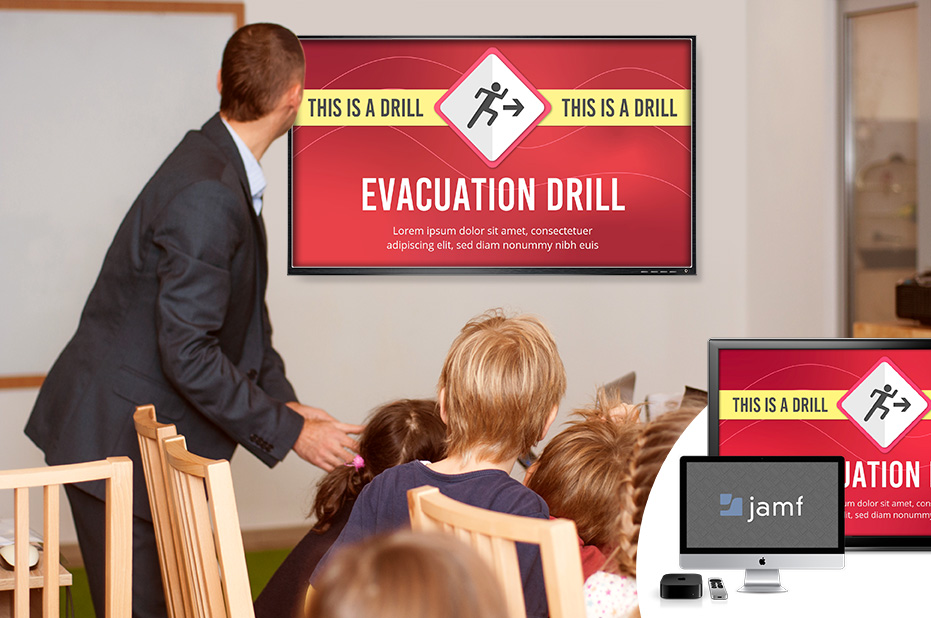

For educational institutions standardizing on Apple devices, the Jamf partnership offers unparalleled management capabilities that address specific needs.
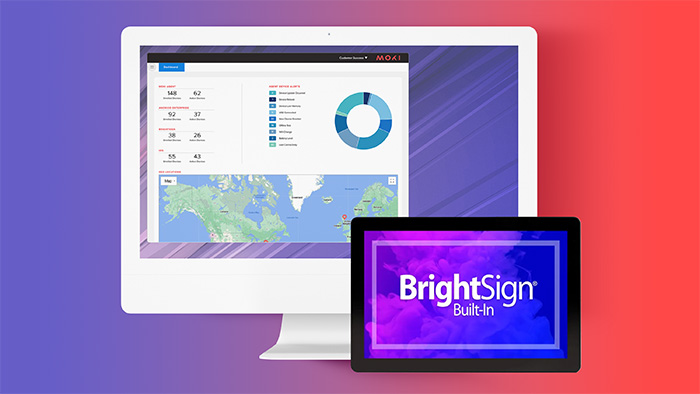

For businesses and institutions that operate within mixed-device environments, Moki is an ideal solution. Moki's capabilities extend to support BrightSign, Apple TV, iOS, Android, and other platforms.
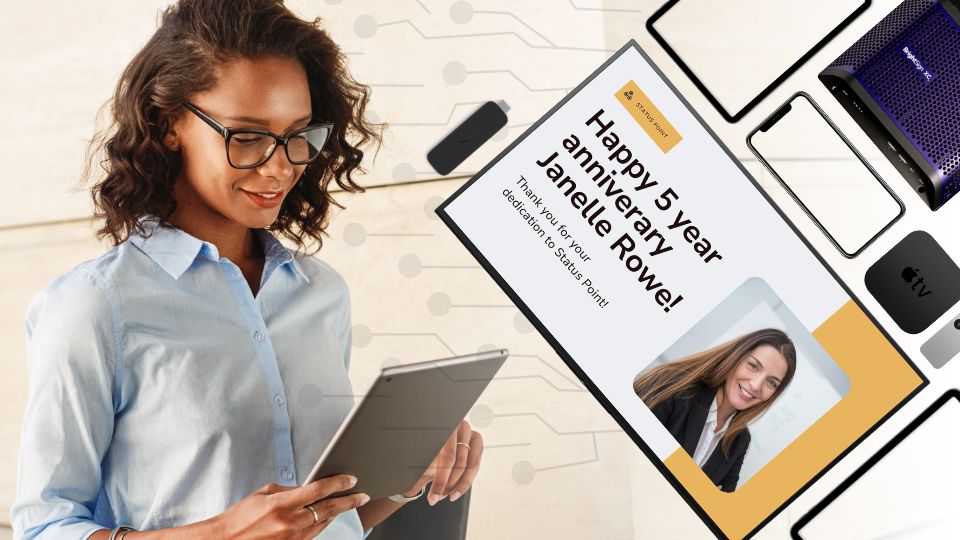
Dedicated media players – purpose-built devices like BrightSign players designed for continuous signage playback can be managed through BSN Cloud or Moki.
Android-based displays from vendors such as Sony and Philips — when using their Android‑powered "Professional" lines — run manufacturer-provided platforms, Sony Remote Device Manager and Philips Wave, respectively.
Samsung Tizen TVs can be managed through Tizen Business Manager.
Amazon Signage Stick is managed by the Amazon Signage mobile app.

FileWave simplifies IT management with innovative Unified Endpoint Management (UEM) solutions that enhance the productivity of modern IT administrators in education and enterprise companies. Serving a global customer base, FileWave continues to drive advancements in multi-platform device management.
4 Reasons You Need MDM
Experience simpler management, stronger security, unified devices, and scalable signage.
Three Rivers School District
Three Rivers has harnessed the power of Carousel and Jamf to manage Macs, Apple TVs, and Chromebits.
University of Connecticut
By extending Jamf’s device management into Carousel, UConn makes digital signage faster, simpler, and more reliable.
Click to read how they use Jamf to make their system more reliable
Simplifying your signage management is just a conversation away with Carousel + MDM. Whether you're involved in education, business, or something altogether different, we're here to help you devise the most effective strategy for managing your devices.